
Widgets and Devices
Install Orthros on each device you use, then open it once before setting up widgets or the Watch companion. Installation instructions use the public TestFlight invitation.
iPhone widgets
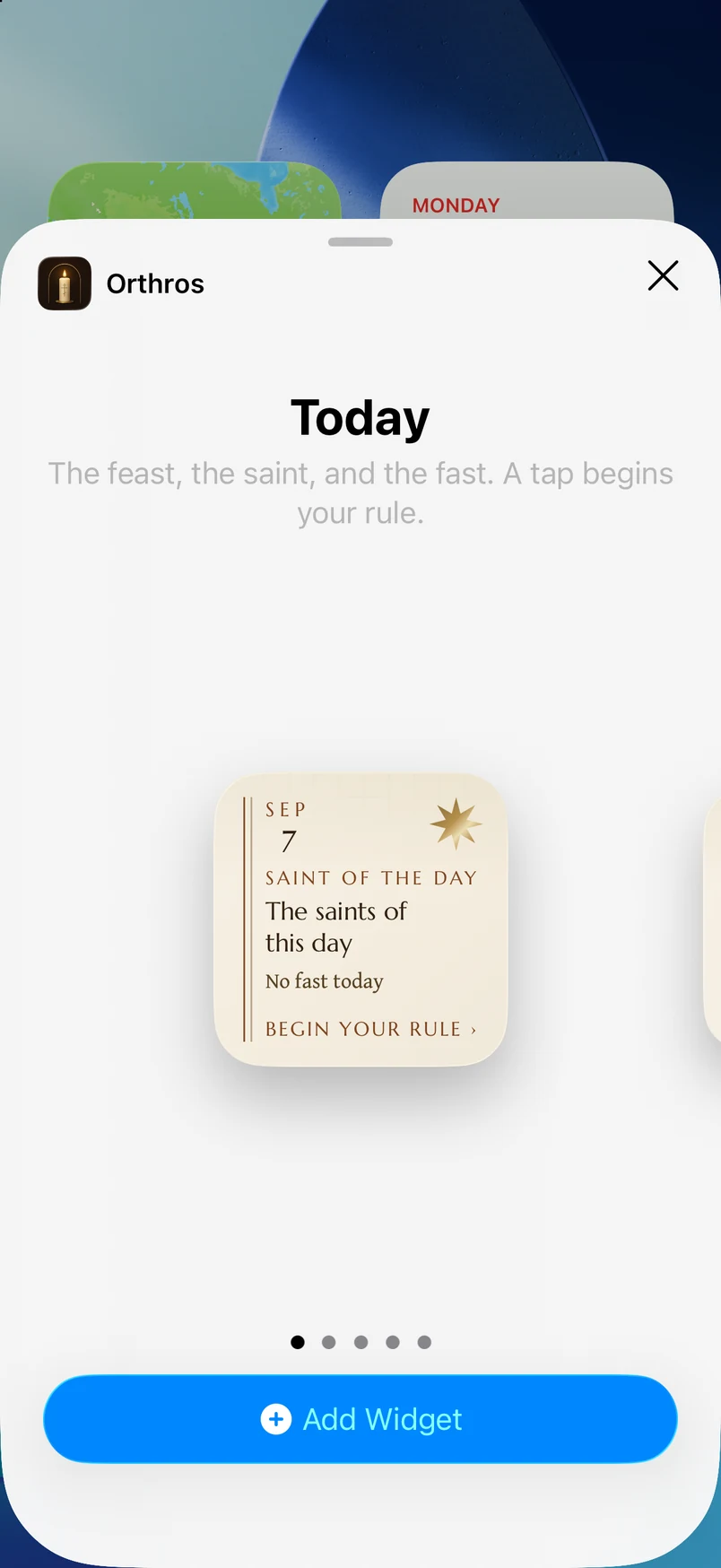
- 1.On the Home Screen, touch and hold an empty area, then choose Edit and Add Widget.
- 2.Search for Orthros, choose a widget and size, then choose Add Widget.
- 3.Open Orthros on this phone if the widget shows an old date, then allow it time to refresh.
For detailed device steps, see Apple’s iPhone widget guide.
For a Lock Screen widget, touch and hold the Lock Screen, choose Customize, select the Lock Screen, and open its widget area. Choose Orthros from the list when a compatible widget is available.
iPad
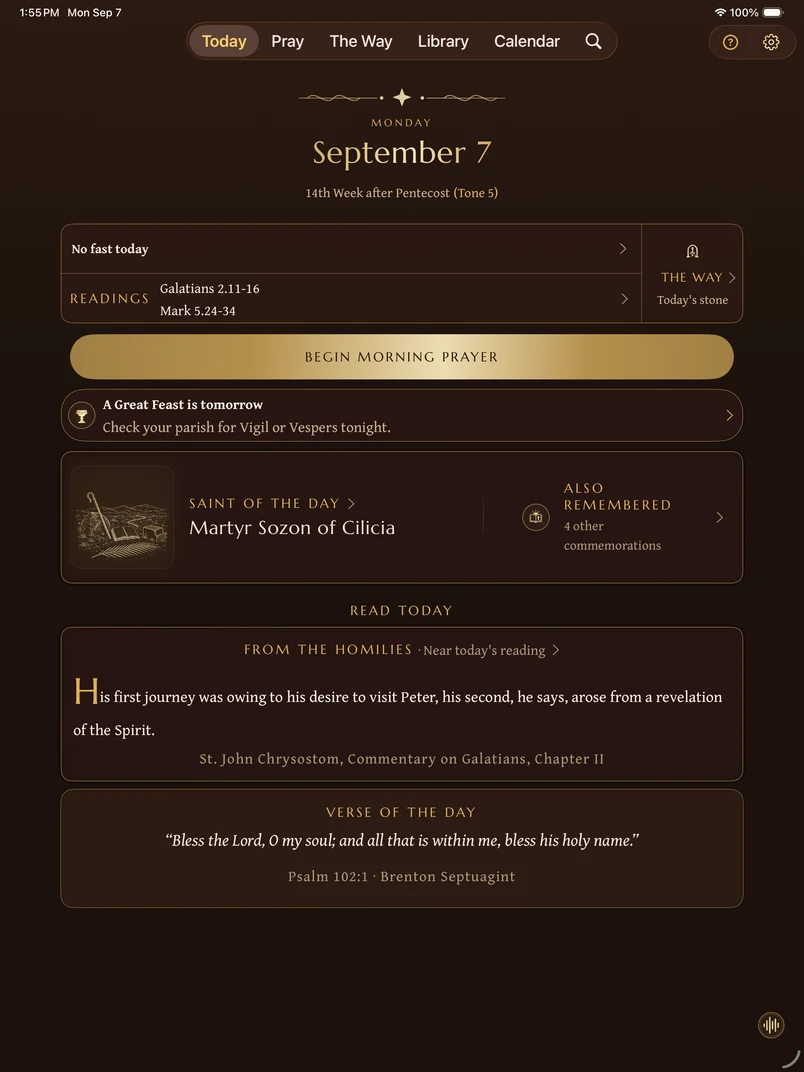
The iPad uses a wider layout and includes Search as a standing destination. Its widgets use the same day and vigil visual system as the app.
Apple Watch
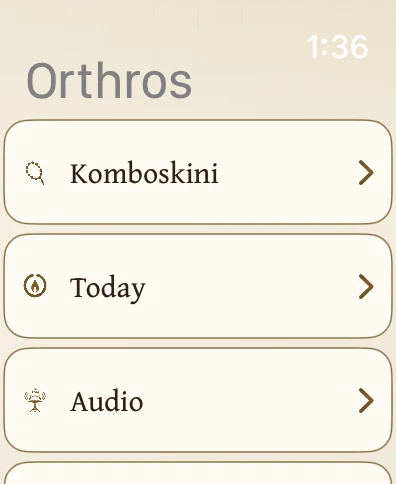
Install the companion through the Watch app on your paired iPhone, then open Orthros on both devices. The Watch offers a concise Today view, prayer tools, audio, Smart Stack widgets, and complications. Audio choices depend on the installed build, available recordings, and phone connection.
Personal recording transfers to the Watch require your approval. This is a copy to the paired Watch, not automatic iCloud recording sync.
CarPlay
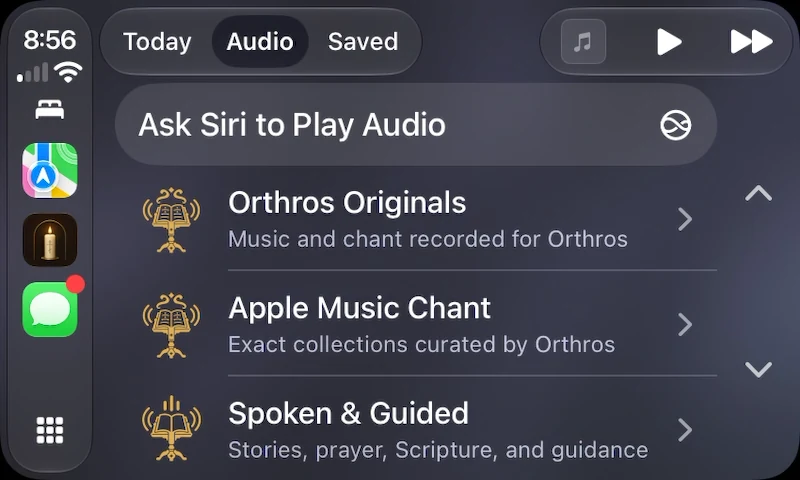
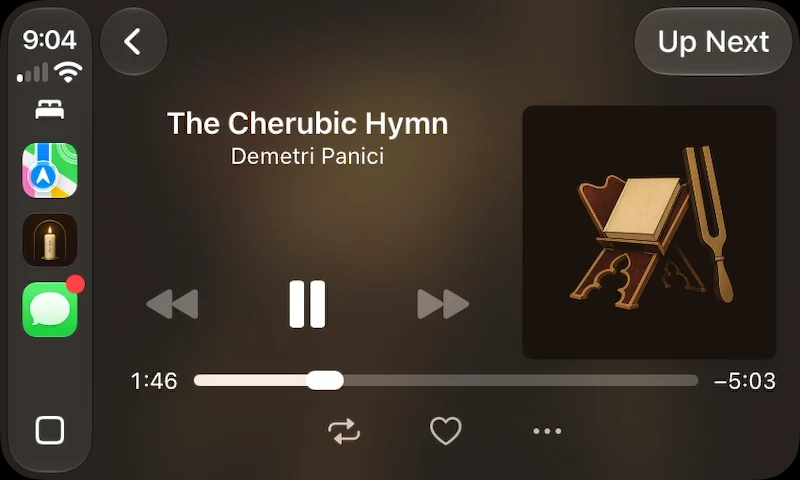
CarPlay provides Today, Audio, and Saved for audio browsing and playback. In Audio, open Orthros Originals, Apple Music Chant, or Spoken & Guided. Choose an available recording to open Now Playing, where you can pause playback or open Up Next. Recording availability and optional music services depend on your phone setup. Prepare downloads, account connections, and preferences on the phone before driving.
Reading, writing, and setup remain on the phone. For connection problems, see CarPlay troubleshooting.
Mac
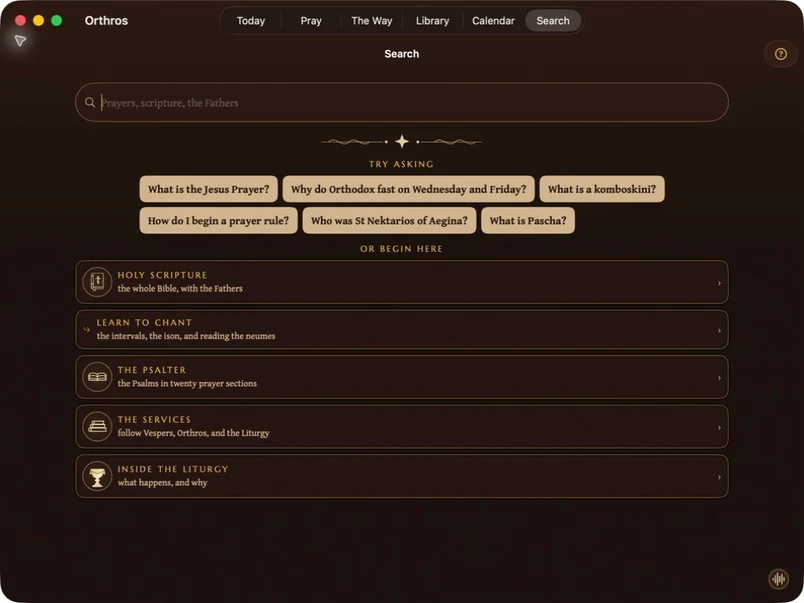
Open the public TestFlight invitation on your Mac and install Orthros there. The Mac app uses a wider layout with keyboard access and a standing Search destination. Use ⌘K to search. With several Orthros windows open, Help, Open Audio and Up Next act in the window in front.
To add a desktop widget, open Edit Widgets from the desktop context menu and look for Orthros. If it is absent, open Orthros once and confirm TestFlight has installed the current Mac build.
Apple’s Mac widget guide explains desktop and Notification Center placement.
Current cross-device limitation
Prayer history, prayer-rope sessions, journals, confession notes, counsel, custom rules, favorites, Scripture notes, progress, parish details, attendance, and the approved preference allowlist can use private iCloud sync. Personal recording files, recording titles and shelves, downloaded audio, widget snapshots, and diagnostics stay on the device where they were created.
Quick reference
- Four widgets are available: Today, in sizes down to the Lock Screen; The Vigil Lamp; The Fast; and, from iOS 18, two Control Center buttons: one opens straight into today's rule, and Keep the fast opens Watchfulness.
- On Apple Watch, one screen lists: Now Playing (tap it to play or pause directly), Today, the weeks ahead, Komboskini (including a “quiet touch” mode that keeps no count at all), Listen, and Ambience.
- CarPlay offers Today, Audio, and Saved. Set up downloads and optional music services on your phone before connecting.
Didn’t find what you needed? Contact support.