
Calendar, Feasts, and Fasting
Choose your parish calendar, select a day, and open its feasts, fasting guidance, saints, or readings.
New and Old Calendar styles
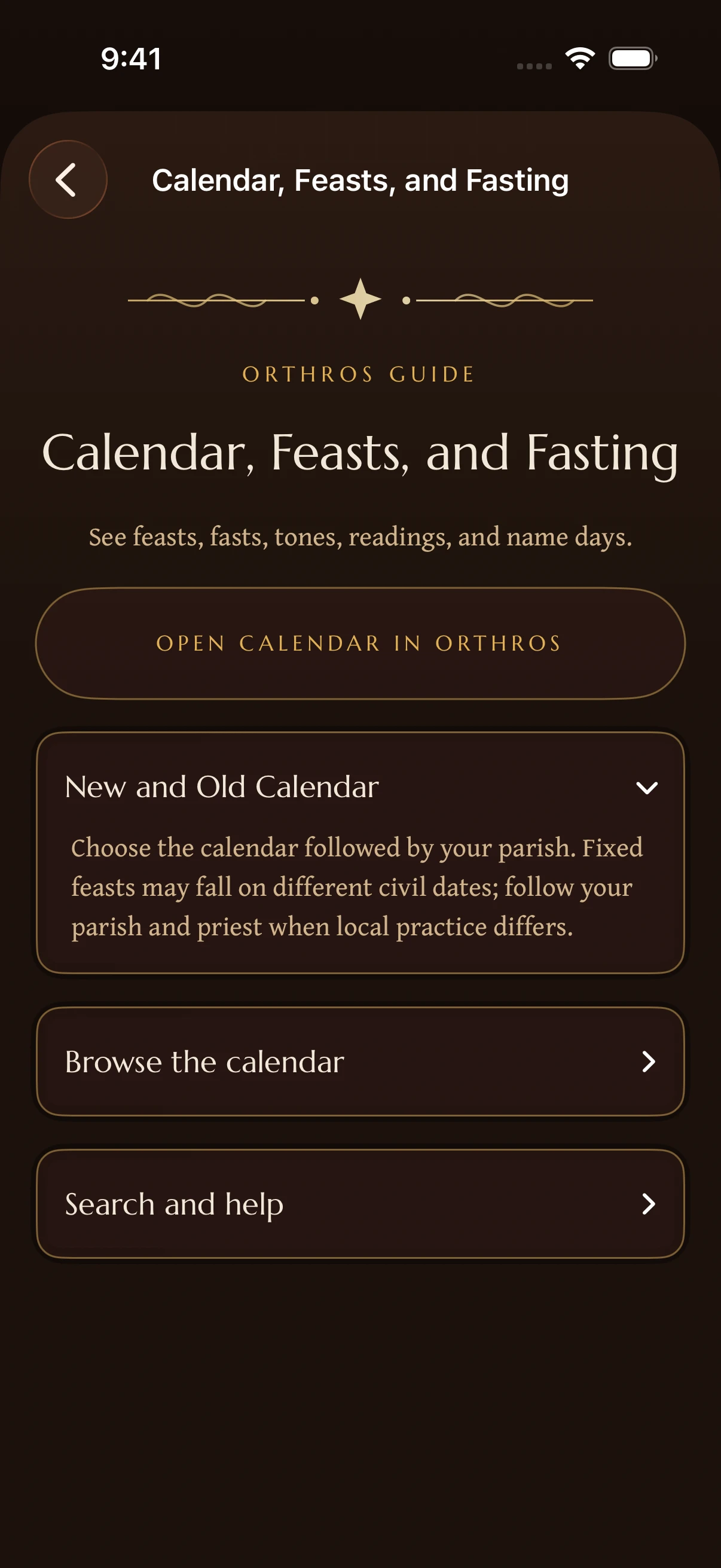
Choose the calendar style used by your parish. The New and Old Calendar can place fixed feasts on different civil dates while sharing the same underlying feast.
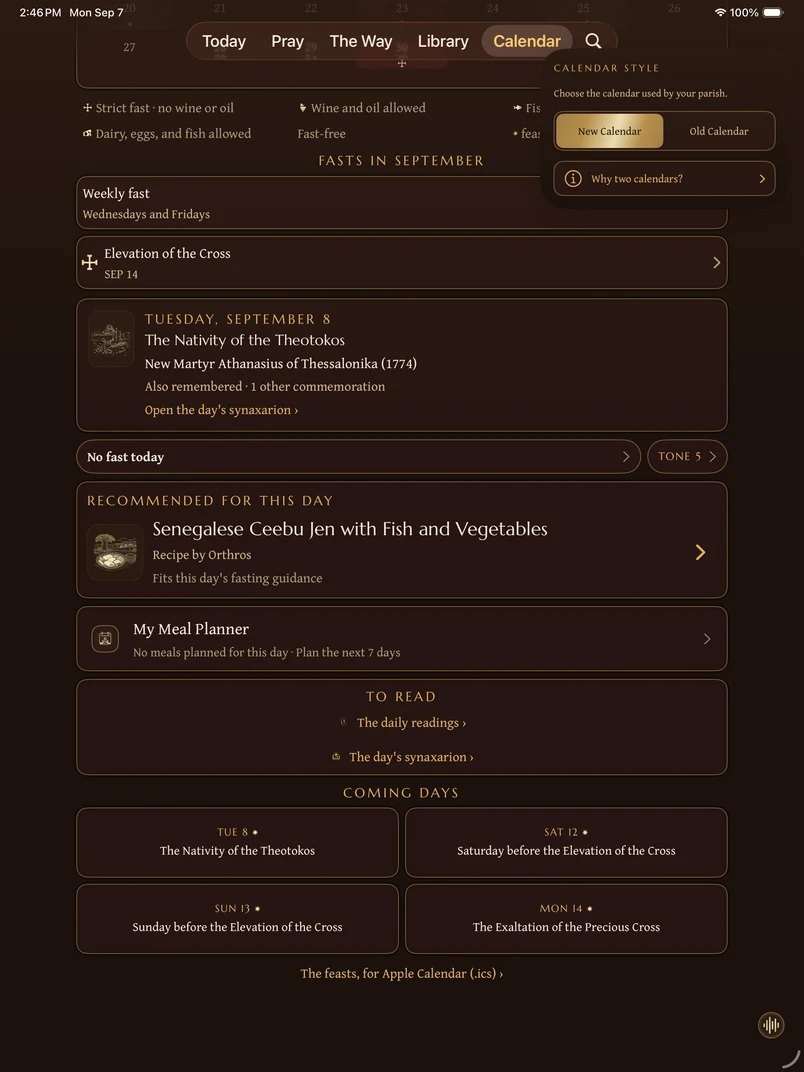
The month view
Choose Month or Week, then select a date to see its details. Use the arrows beside the month heading to browse, or choose Today to return to the current day. The selected day can differ from today. Check the date heading before reading its fasting guidance.
Calendar marks identify feasts, fasting observances, seasons, tones, readings, and saints. Use the calendar selector to choose the practice followed by your parish.
Search the calendar
Use the magnifying glass in the upper-left toolbar to find feasts, saints, or dates in the selected calendar. The control remains available while you browse. Choose Search all Orthros to expand your question to other material.
Use the New or Old Calendar control in the upper-right toolbar to switch calendars. Open that control for Why two calendars? or Calendar help.
Name days and patron saints
A name day is the feast of the saint whose name a person bears. Add or choose your saint in Your Lamp when you want Orthros to surface that remembrance. Name days follow your calendar style: on the Old Calendar, a saint’s day falls thirteen days later on the civil calendar than on the New. The day’s saint recordings and the dates shown for people in the Bible follow the same style.
Why information can differ
Jurisdictions and parishes can differ in local saints, commemorations, readings, and fasting application. Check your selected calendar style and follow your parish when its practice differs from the general guide.
Quick reference
- Search stays in the upper-left toolbar. The New or Old Calendar control stays in the upper-right.
- A filled circle marks your selected date. When another date is selected, an outline marks today. Symbols beneath the dates identify fasting guidance and feasts; the legend explains them.
- Set your name day, or choose a different patron saint, from the Name Day card.
- Exporting the year to your own calendar app is two taps: generate the file, then share it.
Didn’t find what you needed? Contact support.