
Start Here
Install the public beta, then start a prayer from Today. This guide covers the current iPhone controls and links to help for other devices.
Install the public beta
Orthros is currently available as a public beta through Apple's TestFlight. The invitation is free and uses the same link on iPhone, iPad, and Mac.
- 1.Install TestFlight from the App Store.
- 2.Open the Orthros public TestFlight invitation, choose Accept, then choose Install.
- 3.For Apple Watch, leave automatic app installation on. If Orthros does not appear, open the Watch app on iPhone, choose My Watch, find Orthros under Available Apps, and choose Install.
- 4.For Mac, open the same public invitation on the Mac, open it in TestFlight, and choose Install.
Pray now
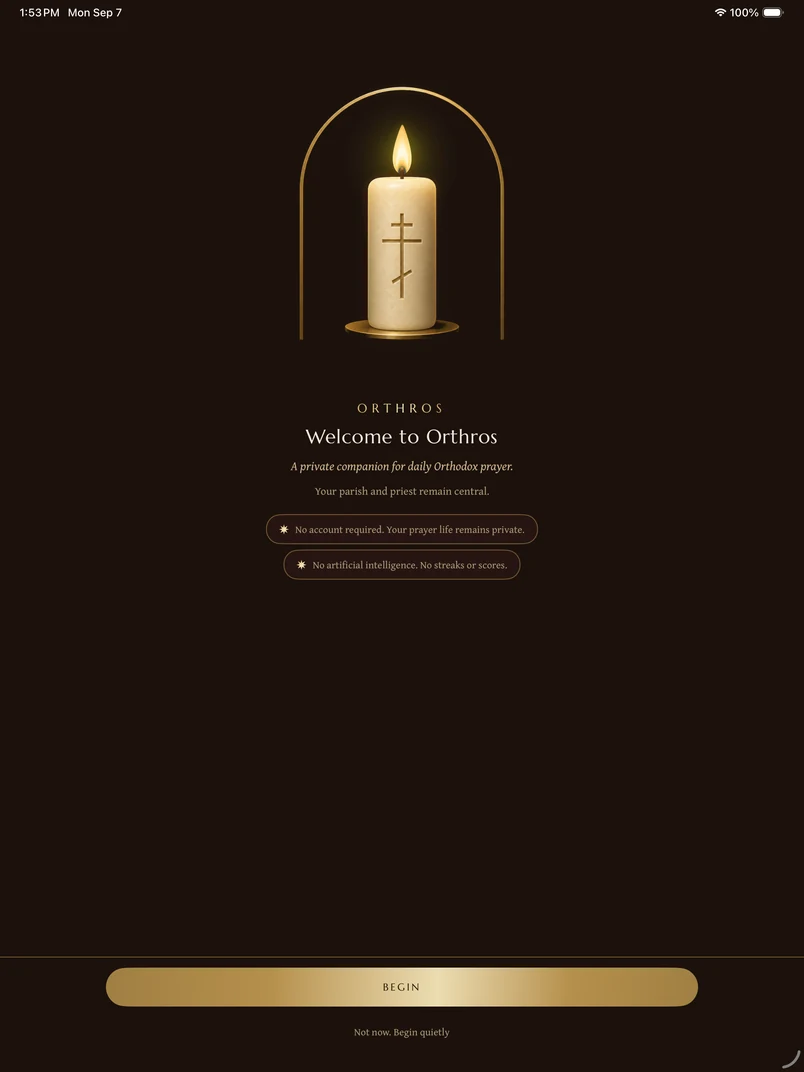
Open Today, then choose Begin Morning Prayer or Begin Evening Prayer. Orthros offers the rule appropriate to the hour. You can also open Pray to choose another prayer or devotion.
If you opened Orthros from a prayer notification, widget, or shortcut, the app should take you directly into that prayer.
The five main areas
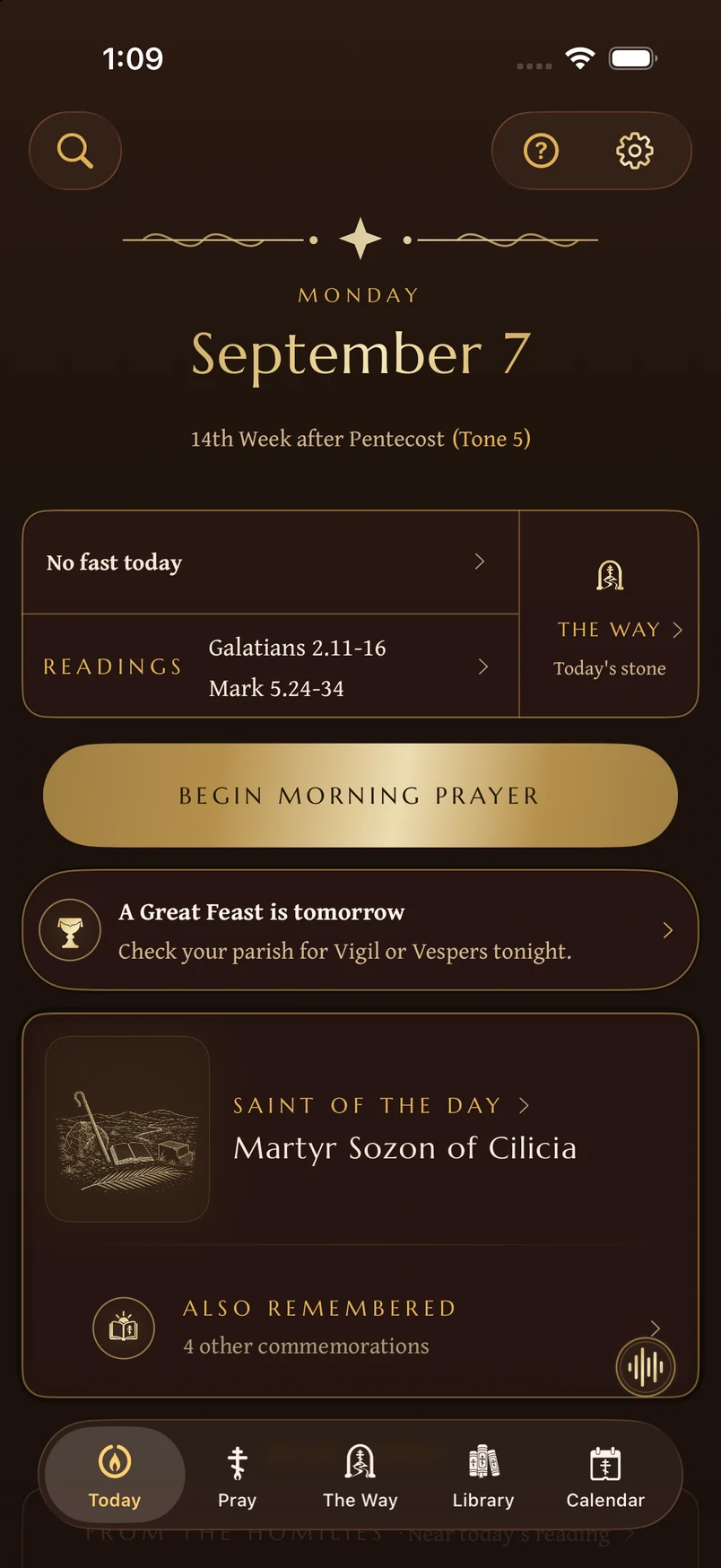
Today gathers the feast, saint, fast, readings, and next prayer for the day.
Pray holds morning and evening rules, individual prayers, the komboskini, and diptychs.
The Way offers basic catechetical teaching on the Orthodox way of life. Read at your own pace. The circle keeps your place, All modules lets you revisit earlier teaching, and How it works opens a visual guide.
Library holds Scripture, prayers, saints, services, teachings, parables, chant, and spiritual reading.
Calendar opens the Church year, including feasts, fasts, tones, readings, name days, and personal commemorations.
On iPad and Mac, Search also appears as its own destination. On iPhone, use the magnifying-glass Search control.
Help is always available
Tap the question-mark control to learn the screen already in front of you, continue the visual tour, browse the complete guide, or troubleshoot a problem.
The gear on Today opens Your Lamp. It is not the Help button. Your Lamp contains private writing, personal prayer information, sound, and settings.
Begin gently
Orthros is not a scorecard. Missing a day does not create a debt or erase your progress. Return to today's prayer and relight your lamp.
Quick reference
- Five tabs across the bottom: Today, Pray, The Way, Library, Calendar. On iPad and Mac, Search joins as a sixth.
- The gear, top-right on Today, opens Your Lamp. That's a different door from Help, which is a separate question-mark control.
- The big gold button's label changes with the hour: “Begin Morning Prayer” before 3 PM, “Begin Evening Prayer” after.
- Public beta: install Apple's TestFlight, then join Orthros at testflight.apple.com/join/pgaB8hhp.
Didn’t find what you needed? Contact support.