
Privacy and Sync
Check what syncs through your private iCloud account, pause sync, and understand which audio files need a separate copy.
What Help records
The guided tour stores only whether it was offered, where it was paused, and whether it was completed. It does not record what you prayed, wrote, searched for, or listened to.
Current TestFlight behavior
Private iCloud sync is on by default for the explicitly approved structured data and preference allowlist on iPhone, iPad, and Mac. Use the same iCloud account on each device, then open Orthros on each one so it can reconcile. You can pause sync in Your Lamp without deleting the local or iCloud copy. When you set up another device, its starting defaults do not replace what you have already done: your place in The Way, your profile, your audio settings and your place in a prayer rule come from your other devices.
The structured data includes prayer history, prayer-rope sessions, journals, confession notes, priest counsel, rules, favorites, Scripture notes, The Way and path progress, parish details, and attendance.
The preference allowlist covers calendar style, week start, theme, Bible edition, prayer wording, reading scale, service language, name day, church, and jurisdiction.
What stays on one device
Personal recording files, recording titles and shelves, downloaded audio, widget snapshots, and device diagnostics remain only on the device where you made them. Orthros will not quietly widen private sync to those areas.
Open Your Lamp, then Privacy & Sync, to turn private sync on or off, see its current status, or tap Check now when troubleshooting. Do not assume a reinstall restores anything outside the explicitly named sync surface.
If the iCloud account changes
Orthros pauses private sync before any data moves. In Your Lamp → Privacy & Sync, choose one of three clear paths:
- Keep everything Local Only on this device.
- Start fresh with the newly signed-in iCloud account.
- Intentionally copy this device’s approved private Orthros data to that account.
Account boundaries
Orthros never chooses an account boundary for you.
Exporting or deleting
Privacy & Sync can export a copy of the structured data Orthros is allowed to sync. It can also delete Orthros’ private iCloud space while preserving the local copy on this device. After deletion, sync stays off until you turn Sync Orthros across devices back on.
Personal recording files, recording titles and shelves, downloads, widget snapshots, and diagnostics are not included in that cloud export or cloud deletion because they remain local-only.
Recordings need separate verification
Personal recordings do not automatically follow you between iPhone, iPad, and Mac. Keep your original audio files in a place you control.
A transfer you approve to the paired Apple Watch is a separate device copy. It does not enable iCloud recording sync, and those Watch copies are excluded from iCloud Backup.
Quick reference
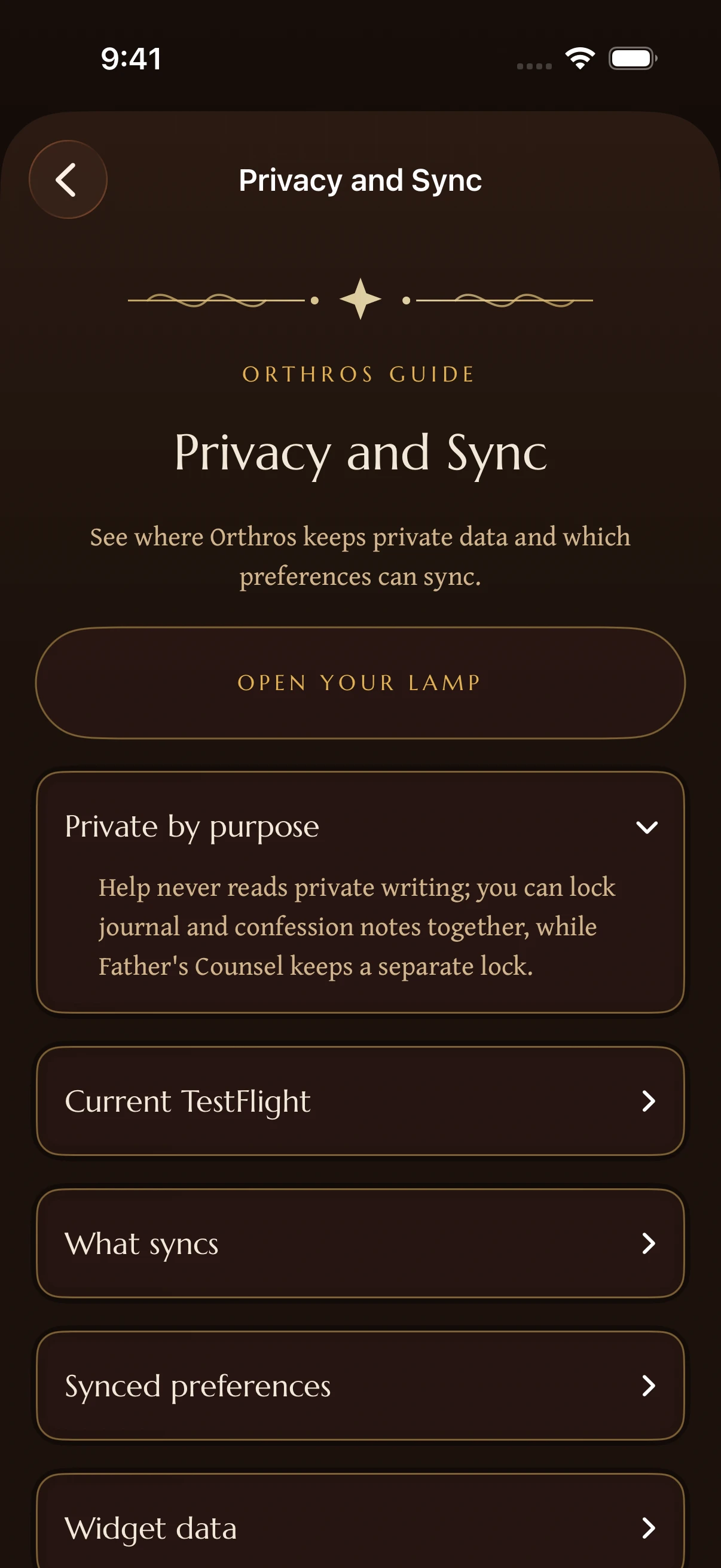
- The one Face ID switch in Settings locks both your Journal and your Confession notes together. Father's Counsel is protected separately, with its own lock.
Didn’t find what you needed? Contact support.